|








To shop online click here:


| |
|
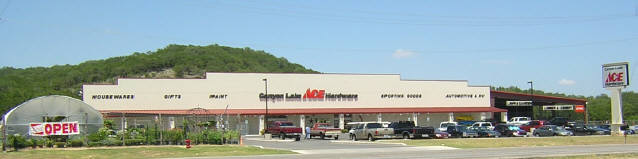
Employment Opportunities at
Wimberley and Canyon Lake
 Hardware Hardware
|
| |
To view open positions please click below and you will be transferred to the
Online Application process, powered by ADP.

|
|
| |
Once there, you will be able to view open job
descriptions by location or you can begin completing your application (by checking the box beside
one or more job titles or location) and proceed by clicking the
button, located at the bottom of each page that says: "Continue" or "Save and Continue".
If you are unable to complete your application all at
one time, save or write down your User ID & password, then
return later and click on 'Click Here to Apply' to access your
account.
By providing an email address, a response will be sent within 12 to 24 hours that confirms the receipt of your application. If you do not provide an email address during the application process, you will not receive a confirmation of receipt.
After completing your application, if you do not receive an 'Error' message on the screen, it is likely that your application was processed correctly and has been received by us.
During open hiring periods, we pre-screen received applications within 24 to 48 business hours. Applicants who meet our pre-screening requirements are contacted by telephone within 2 to 15 days for further processing.
Online Applications remain active for a minimum of 12 months from the date of submission. After one year, you will be required to update or submit a new application.
To Return to Your Online Application at anytime
click on
'Click Here to Apply':
|
|
| |
Canyon Lake Ace is proud to be an Equal Opportunity Employer
|
|
|
|
|